Choosing a ZATCA E-Invoicing System: A Criteria Table for Saudi SMEs
Picking the right ZATCA e-invoicing system is one of those decisions that looks simple from the outside and gets complicated once you start comparing options. Every vendor claims to be compliant, but compliance is only the entry ticket. The real question for a Saudi SME in 2026 is which system fits how your business actually works day to day, from the till or sales desk all the way to your monthly VAT filing.
This guide breaks the decision into concrete criteria you can score, rather than vague marketing promises, so you can compare two or three vendors side by side before committing.
Why ZATCA E-Invoicing Is Not Optional Anymore
Since Phase 1 took effect on 4 December 2021, paper and handwritten invoices stopped being acceptable for VAT-registered businesses. Phase 2, the integration phase, has been expanding in waves since 1 January 2023, grouped by company revenue, and connects invoicing directly to ZATCA’s Fatoora platform.
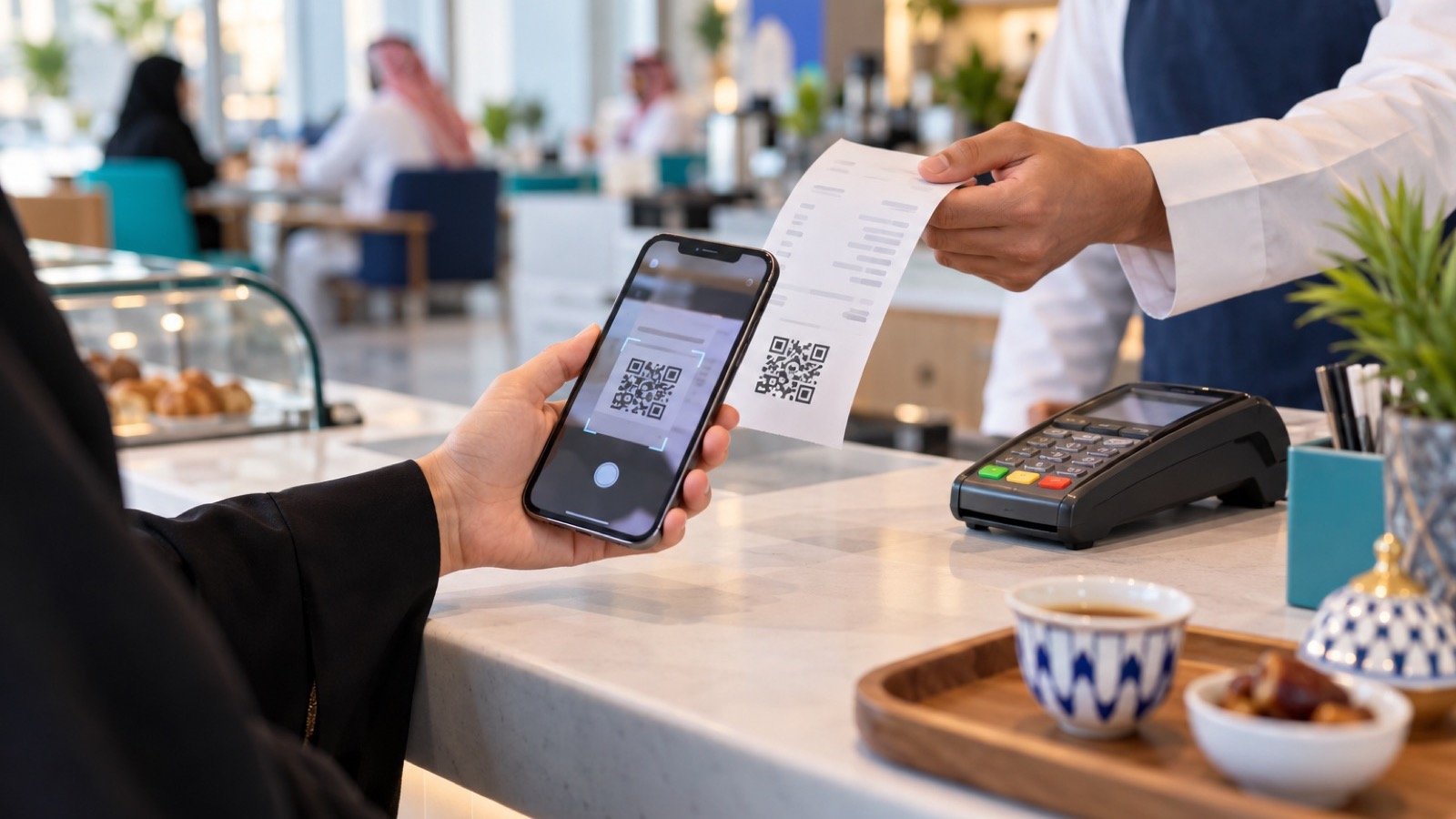
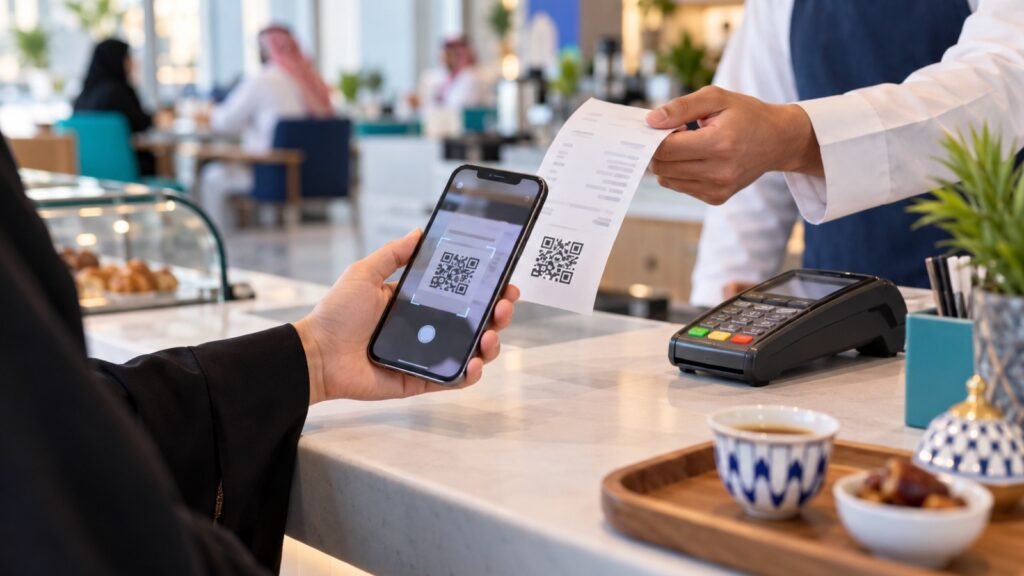
Under Phase 2, standard tax invoices used in business-to-business sales are cleared by ZATCA before reaching the buyer, while simplified tax invoices used at the point of sale are reported within 24 hours and must carry a scannable QR code. Invoices themselves must be structured as XML in the UBL 2.1 format, or as a PDF/A-3 file with the XML embedded and a cryptographic stamp attached. Check ZATCA’s current wave announcements to see exactly where your revenue bracket stands.
What Should You Actually Compare?
Most buyers start by asking “is it compliant?” and stop there. That is the wrong place to stop, because almost every serious vendor can generate a technically valid invoice. The differences that matter show up in daily use, not in a sales demo.
Table: SME Software Selection Criteria
| Criterion | Why it matters | Questions to ask the vendor |
|---|---|---|
| Invoice type coverage | You likely issue both standard and simplified invoices | Does it handle both without manual workarounds? |
| Data connection | Reduces re-typing and VAT errors | Can quotations and customer records flow into invoices automatically? |
| Audit trail | Needed for ZATCA reviews and internal checks | Can every invoice, credit note and debit note be retrieved in original format? |
| Arabic and English support | Staff and customers may prefer either language | Does the interface and invoice output work in both? |
| Support and tickets | Billing questions need a home outside phone calls | Is there a built-in support or complaint channel? |
| Onboarding time | A long rollout delays your compliance deadline | How long until the first live invoice is issued? |
The Hidden Cost of Disconnected Tools
A lot of SMEs end up with a patchwork: a point-of-sale app for simplified invoices, a separate accounting tool for standard invoices, and a spreadsheet to track everything else. Each piece might be compliant on its own, but the gaps between them are where mistakes happen. A quotation sent to a customer in one app does not automatically match the invoice generated in another, and someone has to reconcile the two by hand at month end.
This is why more Saudi SMEs are moving toward a single ZATCA e-invoicing system that sits inside a broader platform covering customer records, quotations and support, rather than a standalone invoicing tool bolted onto an older setup. When the customer record, the quotation and the invoice share the same data, there is one less place for numbers to drift apart.
Looking Beyond Invoicing: The Rest of the Business
Invoicing correctly is necessary, but it is not the whole picture of running a business well. Sales teams need to track leads and renewals, support staff need to log and resolve customer issues, and finance needs invoices, quotations and payments in one view. This is where broader business management software in Saudi Arabia earns its keep, since it keeps these functions talking to each other instead of living in five separate logins.
Consider a maintenance or service company as an example. A customer calls in with a problem, a technician is scheduled, the job gets done, and an invoice needs to go out, often a simplified invoice with a QR code if the customer paid directly. If the scheduling tool, the technician’s notes and the invoicing system are all separate, someone has to manually trigger the invoice after the fact, and it is easy to forget or delay it past the 24-hour reporting window.
A Short Migration Plan That Actually Works
- List every place an invoice currently gets created today, including any informal ones like WhatsApp quotes that turn into cash sales.
- Pick your highest-volume invoice type and migrate that first, usually simplified point-of-sale invoices.
- Run the new system in parallel with your old process for two to three VAT cycles.
- Compare totals at month end before fully retiring the old process.
- Once the numbers match consistently, bring standard B2B invoices onto the same platform.
This staged approach avoids the common trap of switching everything at once and then discovering a mismatch during VAT reconciliation, when it is much harder to trace back to the source.
Frequently Asked Questions
How do I know which ZATCA integration wave applies to my business?
ZATCA assigns Phase 2 integration waves based on annual revenue. Check ZATCA’s current wave announcements directly, since thresholds and timelines are periodically updated and should not be guessed at.
Does a small shop need the same system as a larger company?
The compliance requirements are the same regardless of size, but a small shop can usually start with simpler setup focused on simplified point-of-sale invoices, then expand functionality as the business grows.
What is the actual VAT rate I should be applying?
The standard VAT rate in Saudi Arabia is 15 percent. Your software should apply this consistently across invoice types, with correct handling for any zero-rated or exempt items specific to your sector.
Can I switch systems later if my first choice does not work out?
Yes, but migrating data and retraining staff takes time and effort, so it is worth spending extra time comparing options up front using concrete criteria rather than switching twice.
Final Word
A ZATCA e-invoicing system is not just a compliance checkbox, it is infrastructure your business will depend on every day. Score your options against real criteria, including how well they connect to your quotations, customer records and support process, rather than choosing on price or a vendor’s compliance claim alone. Talking to reliable local experts before you commit can help you avoid picking a system that handles invoicing but leaves the rest of your operations disconnected.
Build your shortlist using the table above, test each vendor against your actual invoice mix, and keep the whole business, not just invoicing, part of the evaluation. That is what separates a smooth 2026 rollout from a stressful one.